2026.09-U1 (Sep 2026)
New Features
Sources
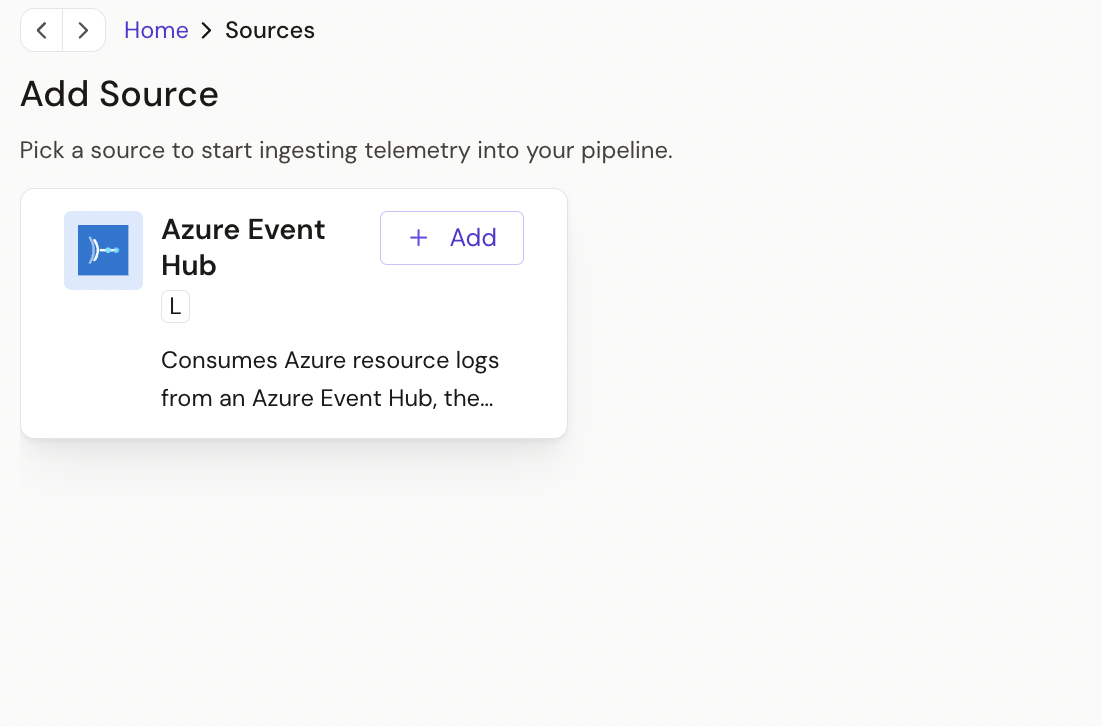
Azure Event Hub source
The Azure Event Hub source ingests logs from an Azure event hub. Azure Monitor diagnostic logs streamed to the hub are split into individual log records, and any other payload can be passed through unchanged.
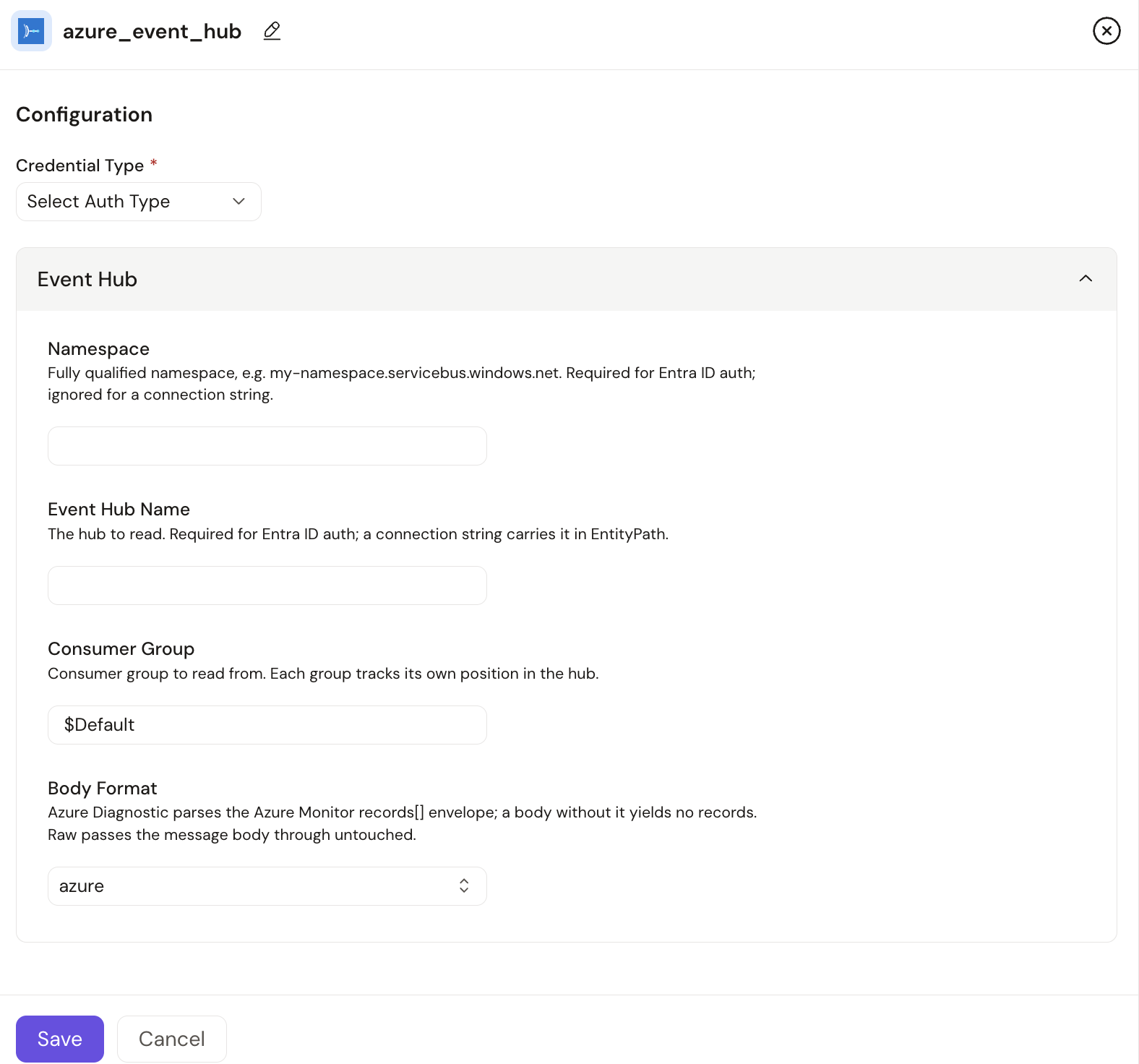
- Authentication: a Connection String credential, using an Event Hub
connection string from a shared access policy with the Listen claim
(the string must include
EntityPath), or an Azure Auth credential with the Azure Event Hubs Data Receiver role on the event hub. - Body Format:
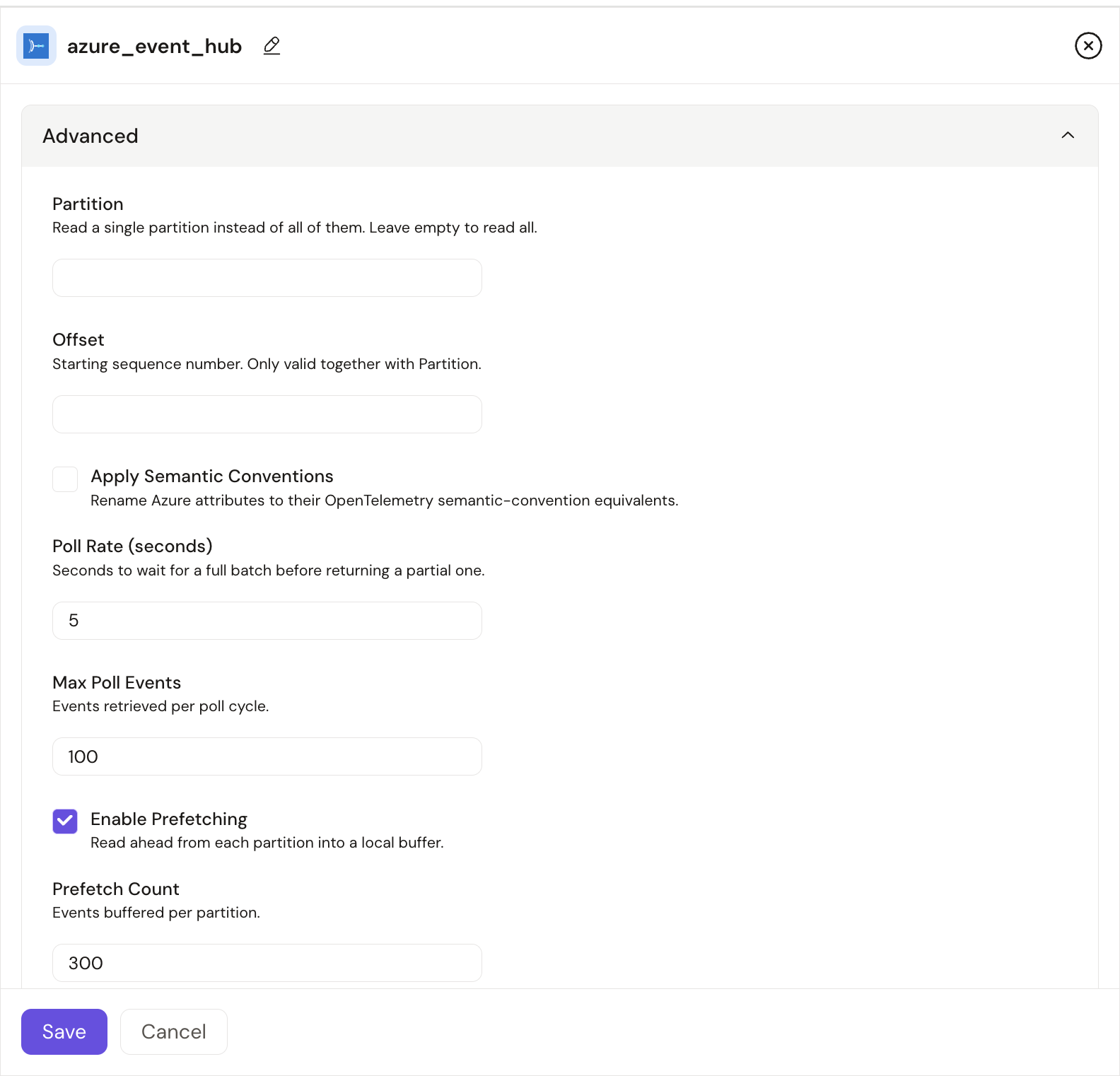
azuresplits Azure Monitor diagnostic-log envelopes into one record per entry;rawpasses each event body through unchanged. - Consumer group: use a consumer group dedicated to Praxis. On its first start, the source reads only new events, not the backlog retained in the hub.
- Supports logs. Requires Praxis Collector v0.5.49 or later.
See Azure Event Hub for setup instructions.
Azure Blob Storage source
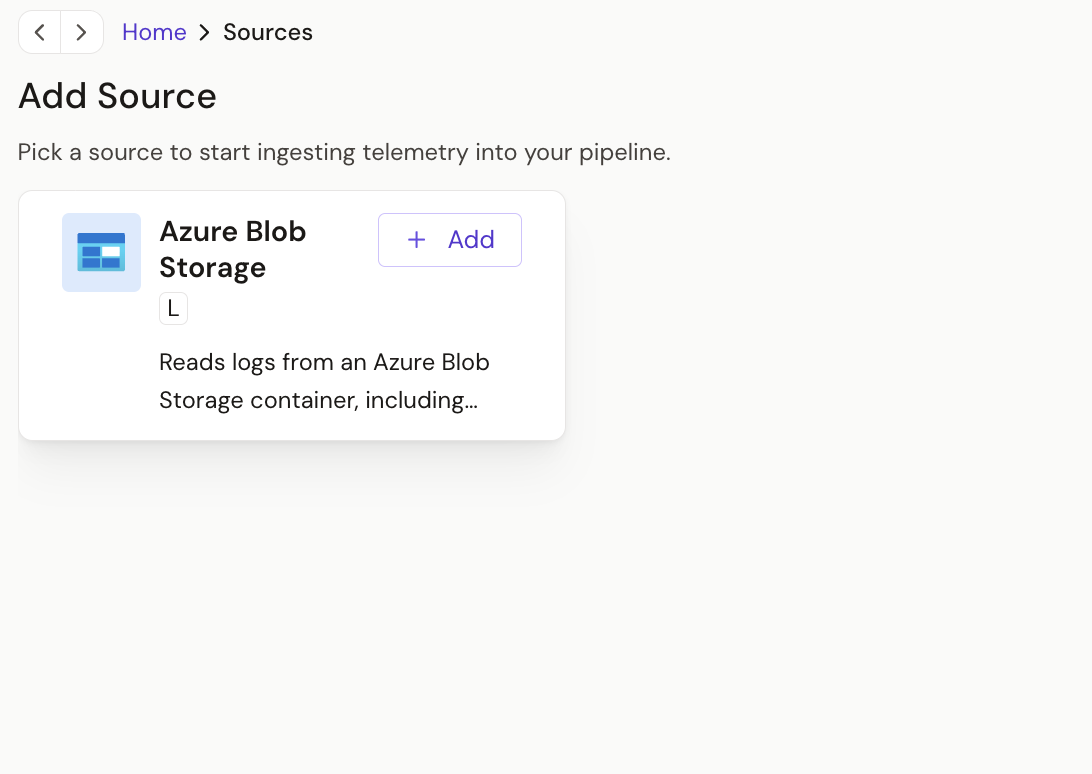
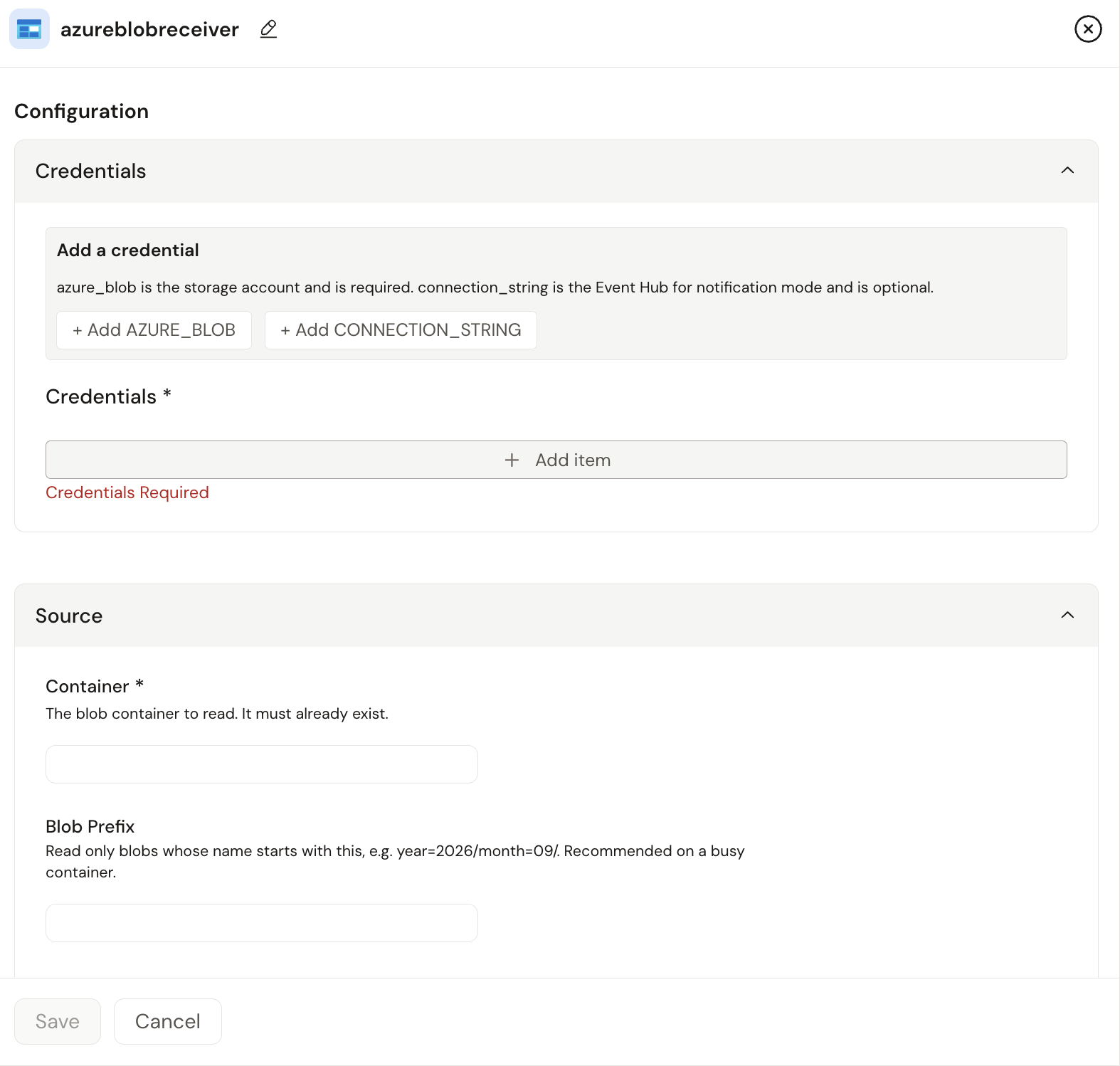
The Azure Blob Storage source reads logs from blobs in an Azure Storage container, including Azure diagnostic-log archives and files written by the Azure Blob Storage destination.
- Authentication: an Azure Blob Storage credential, using a connection string, service principal, managed identity (system- or user-assigned) or workload identity. Microsoft Entra ID methods require the Storage Blob Data Reader role.
- Discovery: the source polls the container every 60 seconds by default.
To use Azure Event Grid
BlobCreatednotifications instead, attach an Event Hub connection string. - Formats: OTLP JSON (default), OTLP Protobuf, JSON records (for Azure
diagnostic
PT1H.jsonarchives), JSON array and plain text. gzip and zstd blobs are decompressed automatically. - Blobs are left in place by default, and the read position is kept across collector restarts.
- Supports logs. Requires Praxis Collector v0.5.57 or later.
See Azure Blob Storage source for setup instructions.
Destinations
Azure Blob Storage destination
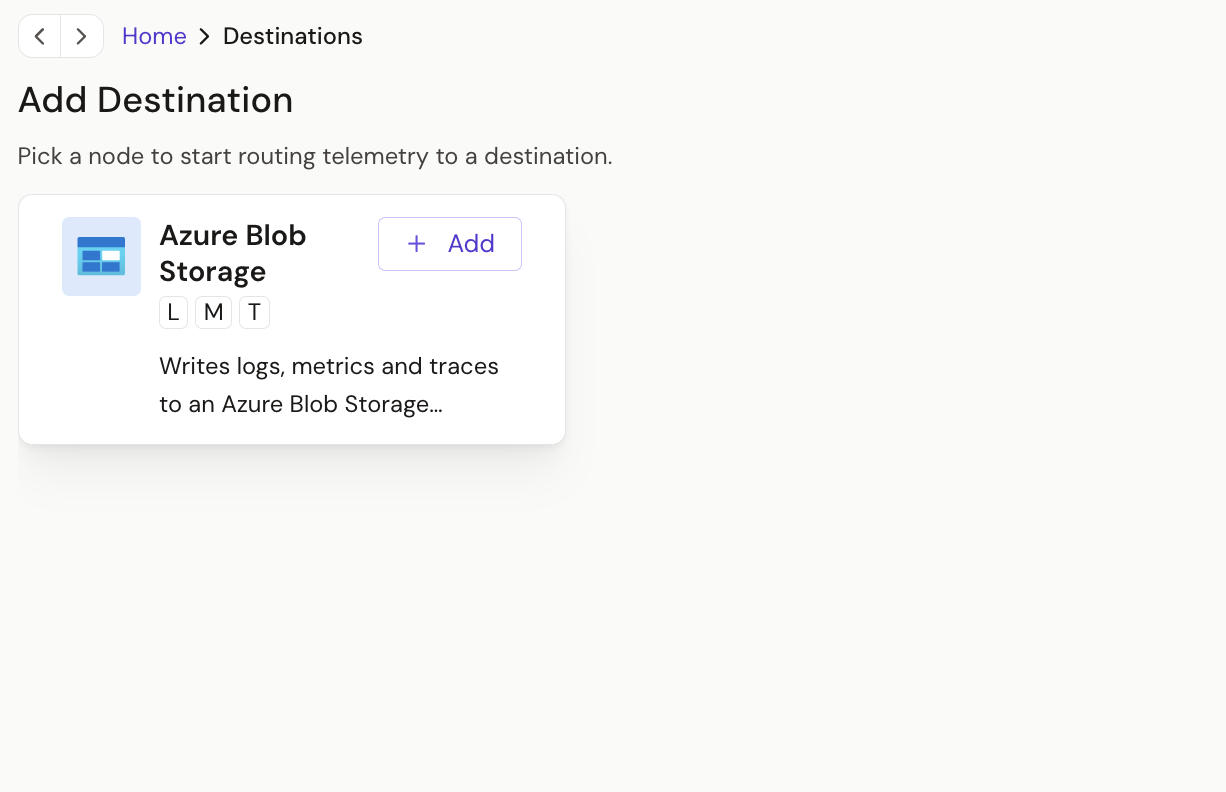
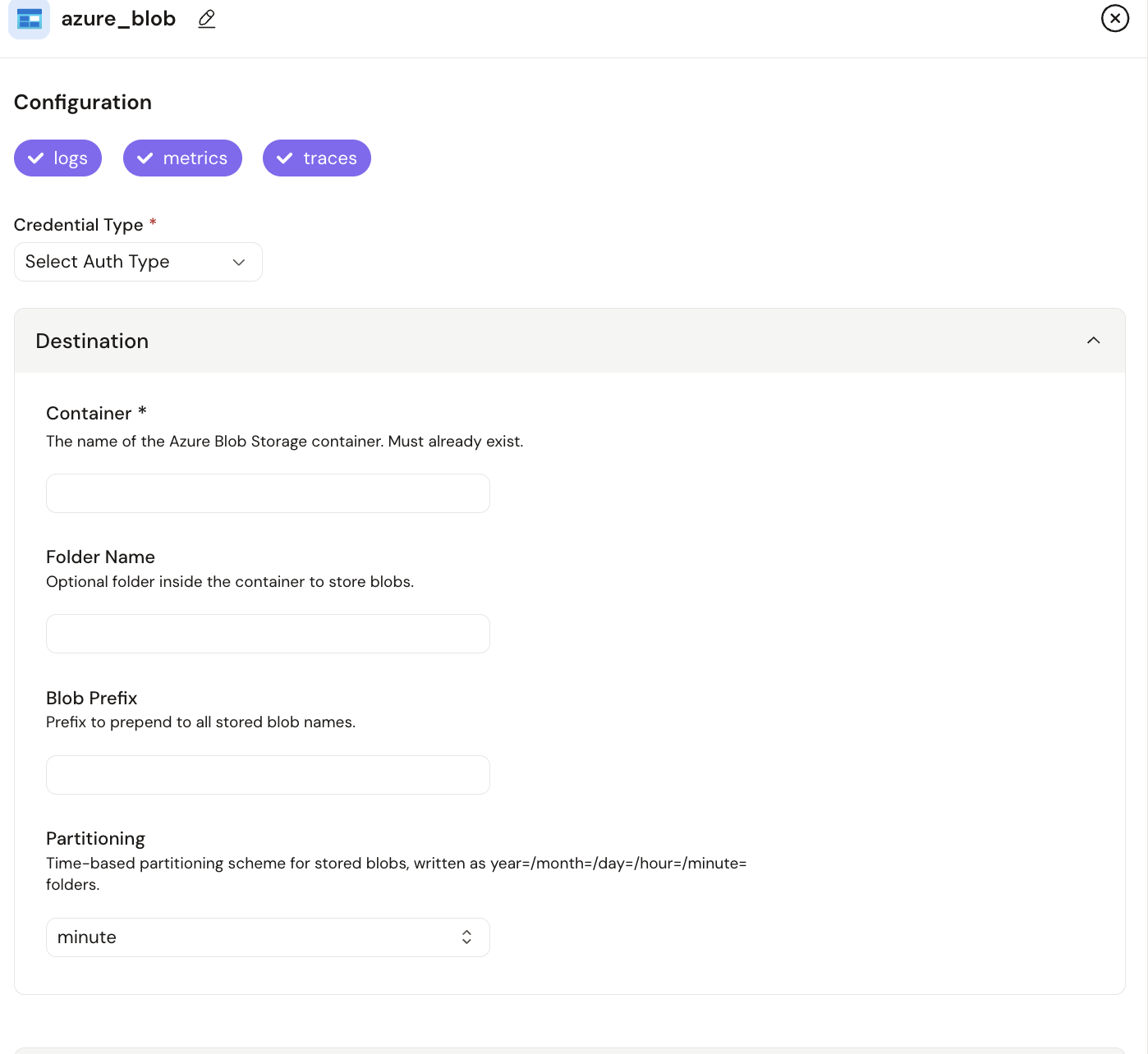
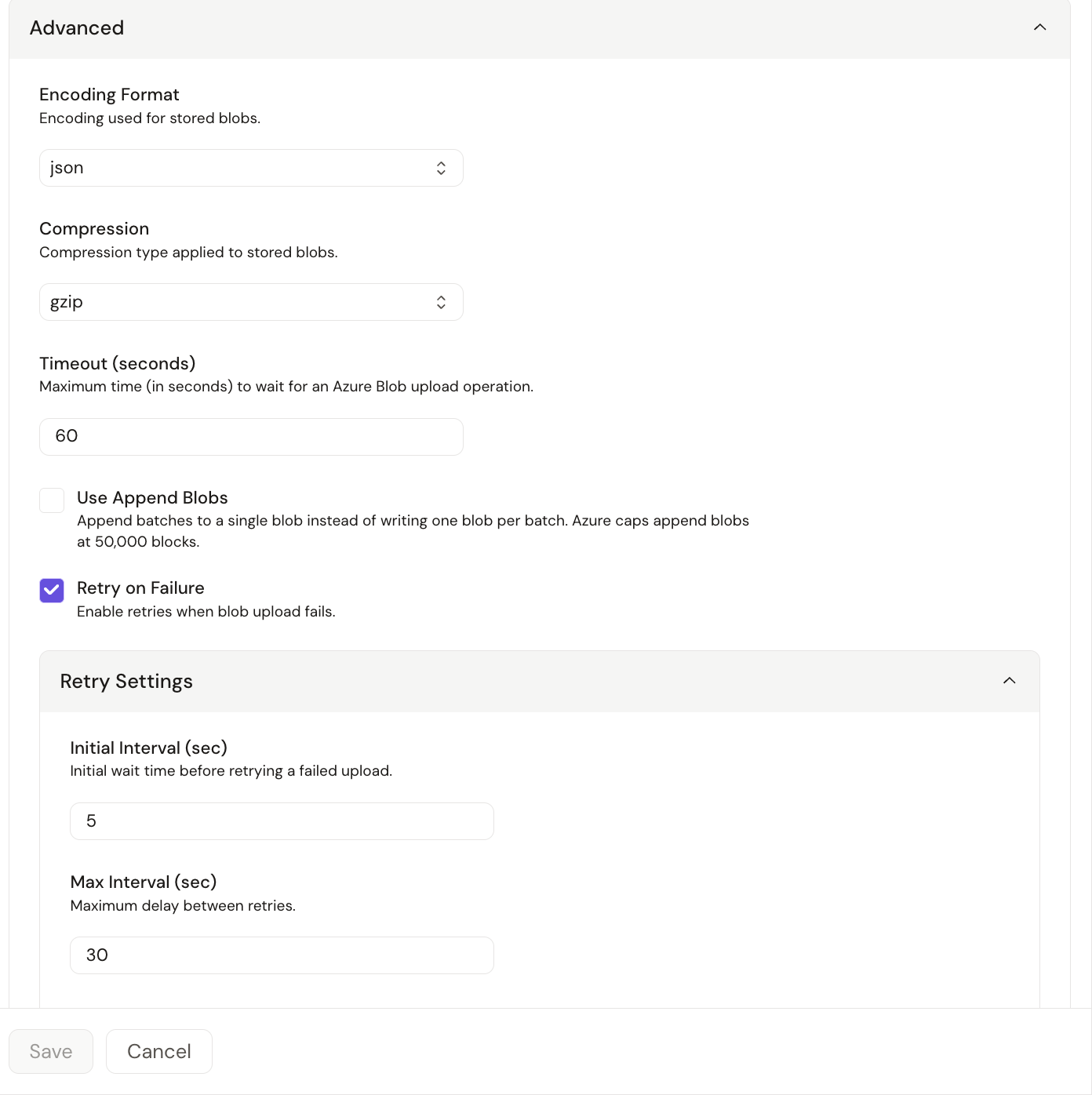
The Azure Blob Storage destination archives logs, metrics and traces to an Azure Storage container as OTLP JSON or OTLP Protobuf files, with optional gzip or zstd compression.
- Authentication: an Azure Blob Storage credential, with the same five methods as the source. Microsoft Entra ID methods require the Storage Blob Data Contributor role.
- The container must already exist; the destination doesn't create it.
- Files are written to time-partitioned folders
(
year=/month=/day=/hour=/minute=). - Requires Praxis Collector v0.5.42 or later.
See Azure Blob Storage destination for setup instructions.
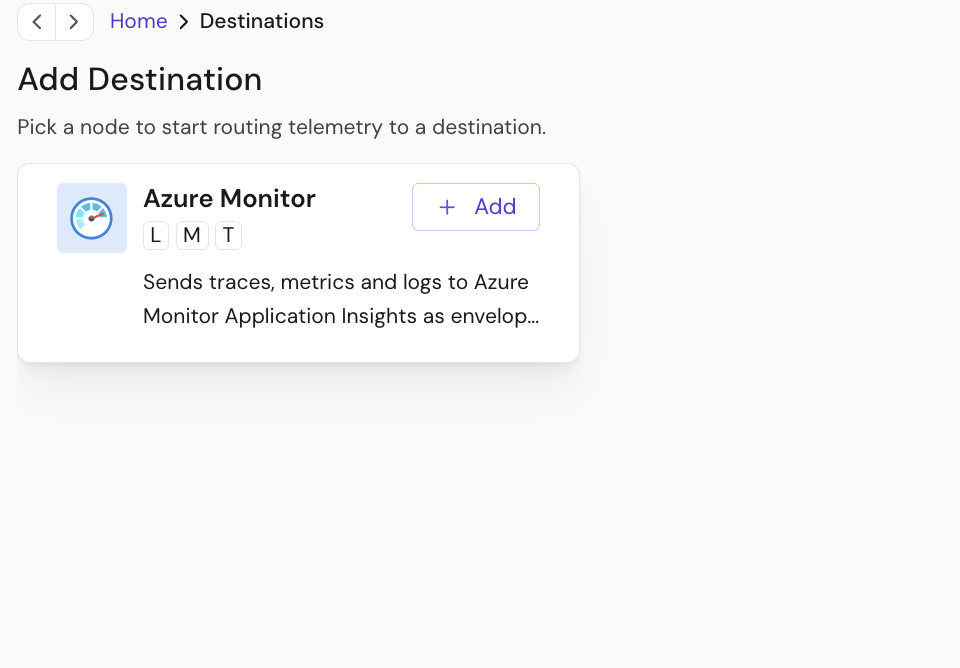
Azure Monitor destination
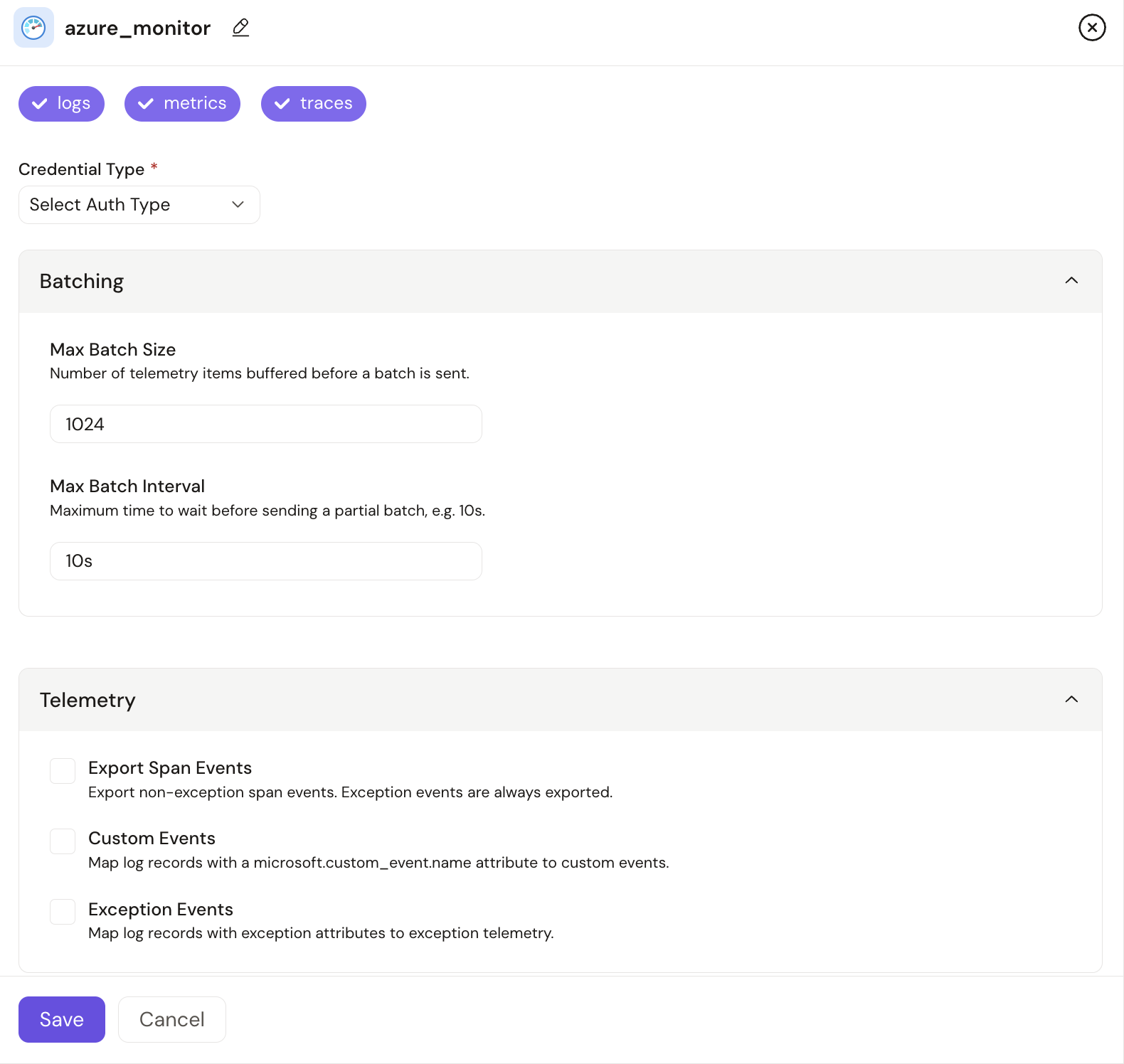
The Azure Monitor destination sends logs, metrics and traces to Azure Monitor Application Insights.
- Authentication: a Connection String credential containing the
Application Insights connection string, including
IngestionEndpoint. Application Insights resources with local authentication disabled reject this data. - Where data lands: logs in the
tracestable, spans inrequestsanddependencies, and metrics incustomMetrics. - Requires Praxis Collector v0.5.50 or later.
See Azure Monitor for setup instructions and example queries.
Credentials
Headers credential for HPE OpsRamp and New Relic
The new Headers credential type stores the request headers a destination authenticates with, such as the HPE OpsRamp tenantId and X-OpsRamp-Token headers or the New Relic api-key header. The values are kept encrypted in one reusable credential instead of being entered in plain text on each destination.
- Add each header as a name/value pair. All values are treated as secrets and masked when the credential is viewed.
- The HPE OpsRamp and New Relic destinations now accept only a Headers credential. The No Authentication and OAuth2 options have been removed from both, because neither service accepts them.
- If the destination form and the credential define a header with the same name, the credential's value takes precedence.
Enhancements
Pipeline Engine
Microsoft Sentinel destination uses Azure Auth credentials
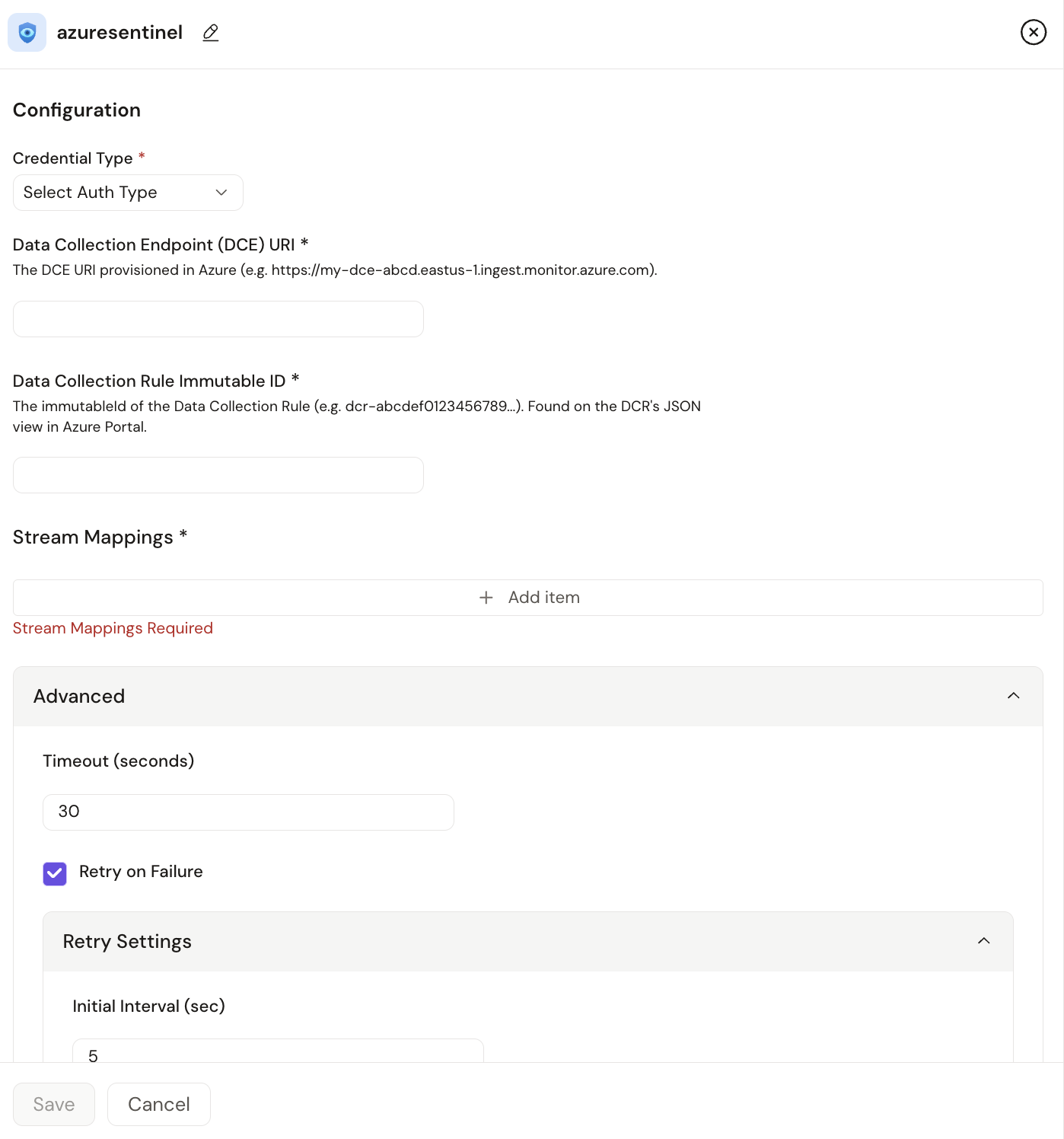
The Microsoft Sentinel destination now authenticates with a reusable Azure Auth credential instead of authentication fields on the destination, so a single Microsoft Entra ID identity can be shared across Azure integrations.
- Supported methods: service principal, managed identity (system- or user-assigned), workload identity and the default Azure credential chain.
- The identity requires the Monitoring Metrics Publisher role on the Data Collection Rule. Role assignments can take up to 30 minutes to take effect.
- Existing Sentinel destinations continue to work. To edit one, select an Azure Auth credential.
- Requires Praxis Collector v0.5.46 or later.
See Microsoft Sentinel for setup instructions.
Simpler TLS settings for the HPE OpsRamp destination
The HPE OpsRamp destination's TLS settings are now limited to Enable TLS and Skip Certificate Verification, and both are turned on by default for new destinations.
- The OpsRamp endpoint accepts only TLS connections, so the previous default (TLS off) could not connect.
- The certificate file, private key file, CA file and minimum TLS version fields have been removed, because they don't apply to the public OpsRamp endpoint.
- Existing destinations keep their saved settings.
Journald source can filter by systemd unit
The Journald source has a new Units setting that limits collection to the systemd units you list, such as ssh, cron or kubelet.
- Leave Units empty to read the entire journal, as before.
- Unit names are accepted with or without the
.servicesuffix. - An entry is collected if it belongs to any listed unit. Other filters, such as the default priority, still apply.
Lookup processor supports inline CSV and Live Tail
The Lookup processor can now read its lookup table from a Base64 CSV String instead of a CSV file on the collector host, and Live Tail now shows the processor's enrichment.
- Provide either CSV File Path or Base64 CSV String, not both. Refresh Interval applies only to a file path.
- To preview lookups in Live Tail, use Base64 CSV String. Live Tail can't read a CSV file that exists only on the collector host.
- Base64 CSV String requires Praxis Collector v0.5.54 or later.
User Interface
Consistent list paging and full timestamps in collector logs
Lists across the platform now show 50 rows per page, and entries in a collector's Recent Logs now show the full date and time, including seconds.
Bug Fixes
Platform Services
- Credential errors during deployment now name the affected node instead of showing internal secret identifiers.
User Interface
- Deleting collectors now shows a confirmation or an error message.
- The Next button in Create Pipeline is now disabled as soon as the pipeline name is invalid, rather than only after you leave the field.
- Pipeline flow graph nodes now stay in place when throughput metrics load.
- Live Tail now displays correctly in dark mode.
- Long series names in node insights chart tooltips now wrap instead of overflowing.
- Pack search now covers all packs, not only the current page.
- Searching pipelines while a status filter is applied no longer hides matching pipelines. A new search resets the filter to All.
- Switching tenants no longer reloads the current page twice or resets its selected tab or pipeline.